
Photo to GIF
A free photo to GIF maker: turn a few photos into an animated GIF, reorder the frames, set the speed and add text to your GIF. Nothing is uploaded.
GIFs can be up to 5 seconds long.
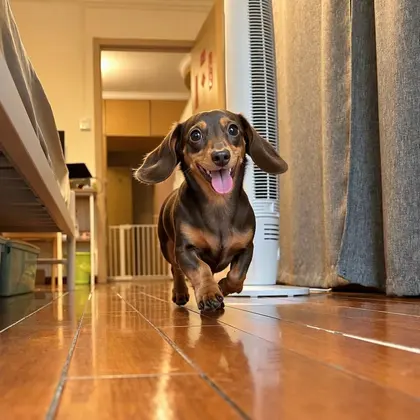
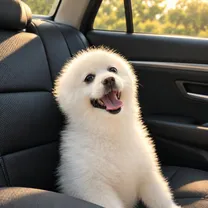
I bring tiny paws and one big blep!
SampleCaught the moment? Get the line too.
The BlepCam app keeps the 3 seconds before you tap, picks the funniest frame, and writes the line your pet would say.
You're on the list.
We'll email you once when BlepCam is on the App Store.
Turn multiple photos into one GIF
- 1
Choose your photos
Pick two to twenty photos, or drag them onto the box above. A burst of the same moment works best.
- 2
Put them in order
Use the arrows to move frames earlier or later, and the cross to drop the blurry one.
- 3
Set the speed and download
Slower for a slideshow, faster for a flip-book. Pick a size, then download your GIF.
Add text to a GIF
Type a line in Add a line and it appears under your photos in a handwritten font, like the caption on an instant photo. The preview updates as you type, so you can see exactly how it will look before you download.
- Keep it short. Up to 60 characters. Two short lines read better than one long one.
- Write it in their voice. "I wore the hat. Where's my cake?" beats "Dog in a party hat".
- Leave it empty if the photos say it all. You'll get the GIF without a caption strip.
GIF caption maker
Stuck for a line? These are real captions Mood, the caption writer in the BlepCam app, wrote for these pets. Borrow the style: short, first person, a little dramatic.
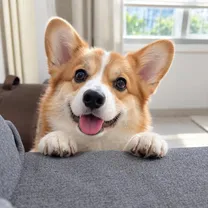
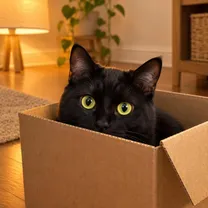
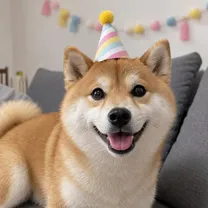
Sample images are AI-generated.
Your photos stay on your device
Everything runs in your browser. Nothing is uploaded to our servers.
The BlepCam app
What a browser can't do
- Catches the 3 seconds before you tap
- Writes the line your pet would say
- Turns any shot into a WhatsApp sticker
Questions
Is it really free?
Yes. Make as many GIFs as you like. Each one carries a small BlepCam mark.
Do you upload my photos?
No. The GIF is made in your browser, on your device. Your photos never reach our servers.
How many photos can I use?
Up to 20. Two to six usually make the best loop.
Can I add text to a GIF I already have?
Not yet. This tool adds a line while it makes the GIF from your photos or a short video.